
01
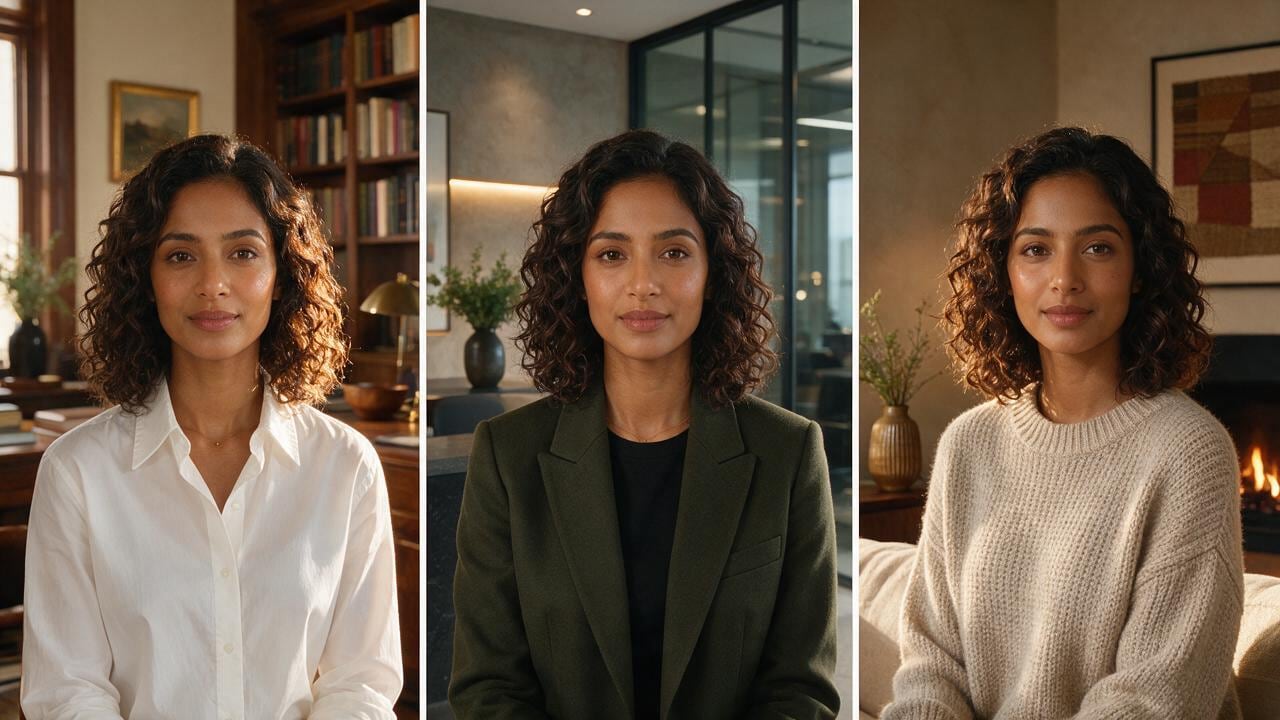
Choose character & outfit
Lock face, wardrobe, and a simple set your audience will recognize.
Create an AI InfluencerOfferNew accounts keep every subscription at 85% of the list price, forever, plus $1.50 free USD Credit. Extra USD Credit packs include 5% more.
Create accountScro
Pick your AI Influencer’s outfit and set, paste the script they should read, and Scro generates the clip with captions ready. Then fine-tune in the editor — SFX, music, final polish.
Three moves
No camera crew. No prompting bootcamp. Lock the look, write what they say, generate a captioned talking-head ready for Reels.
Lock face, wardrobe, and a simple set your audience will recognize.
Create an AI Influencer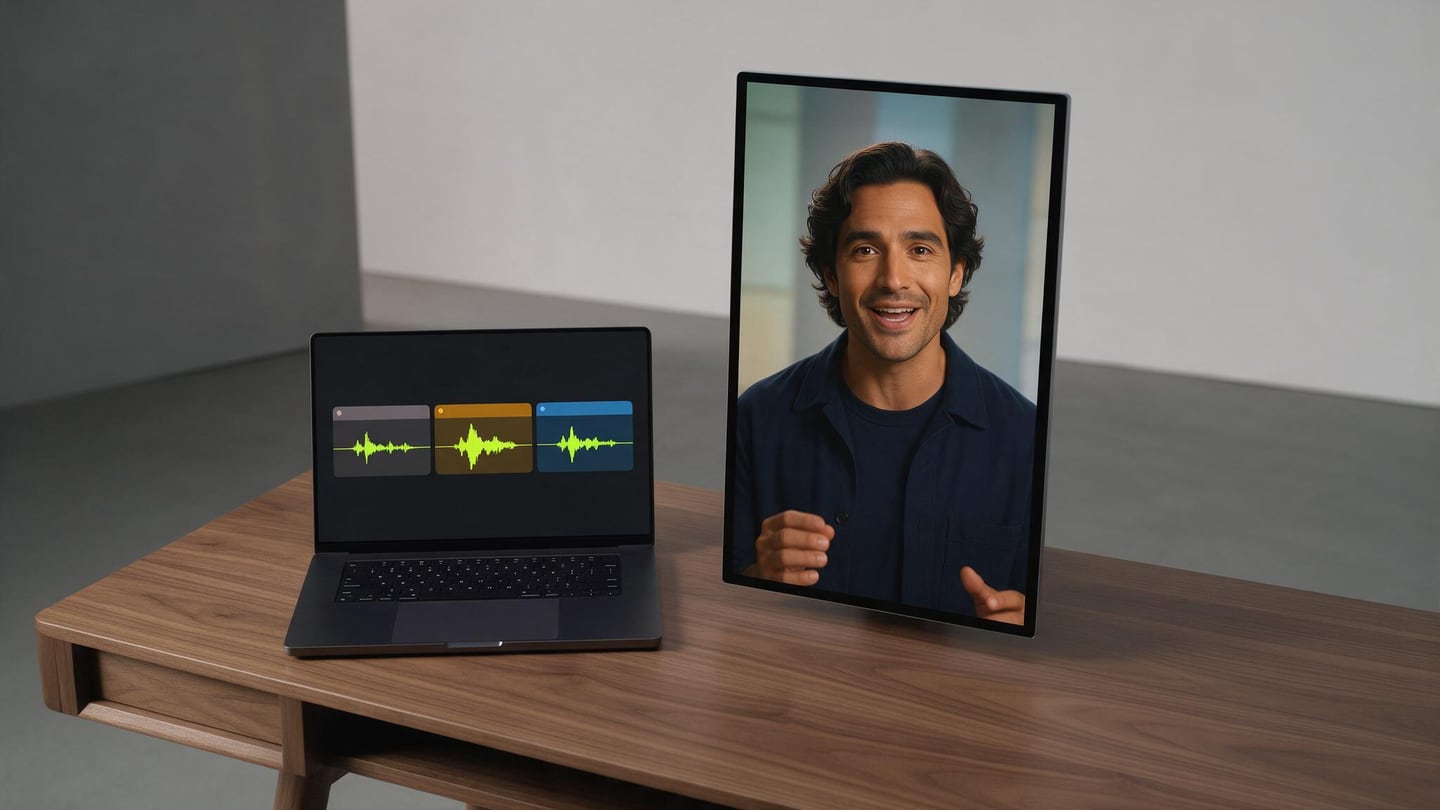
Paste the lines or record/upload your own voice. Render up to 120s continuous 1080p talking-head clips, Dialogue Q&A, or B-Roll cutaways at just $0.08/s.
Make a talking-head clip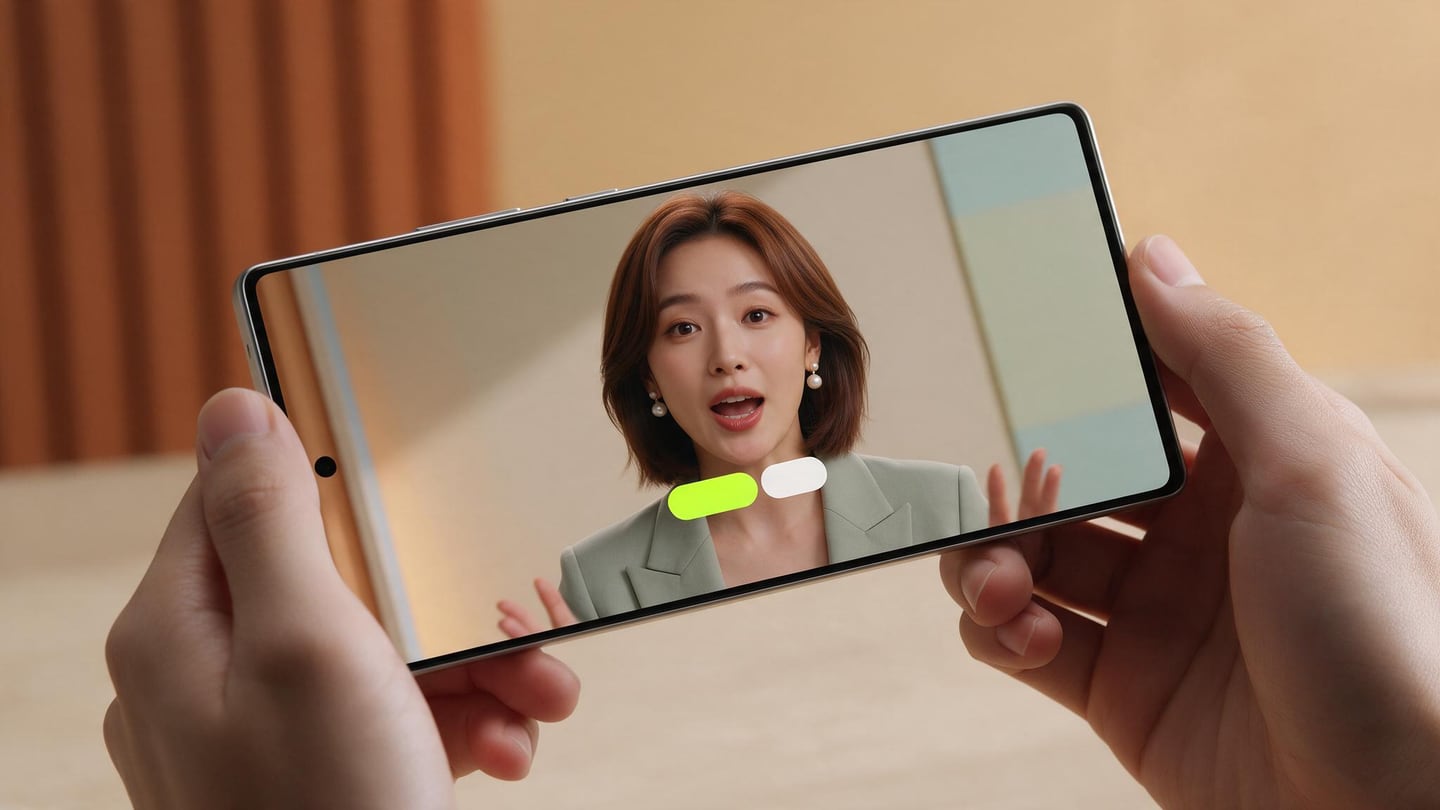
Get a talking-head cut with on-screen captions — scroll-stop ready.
Make a Cantonese reel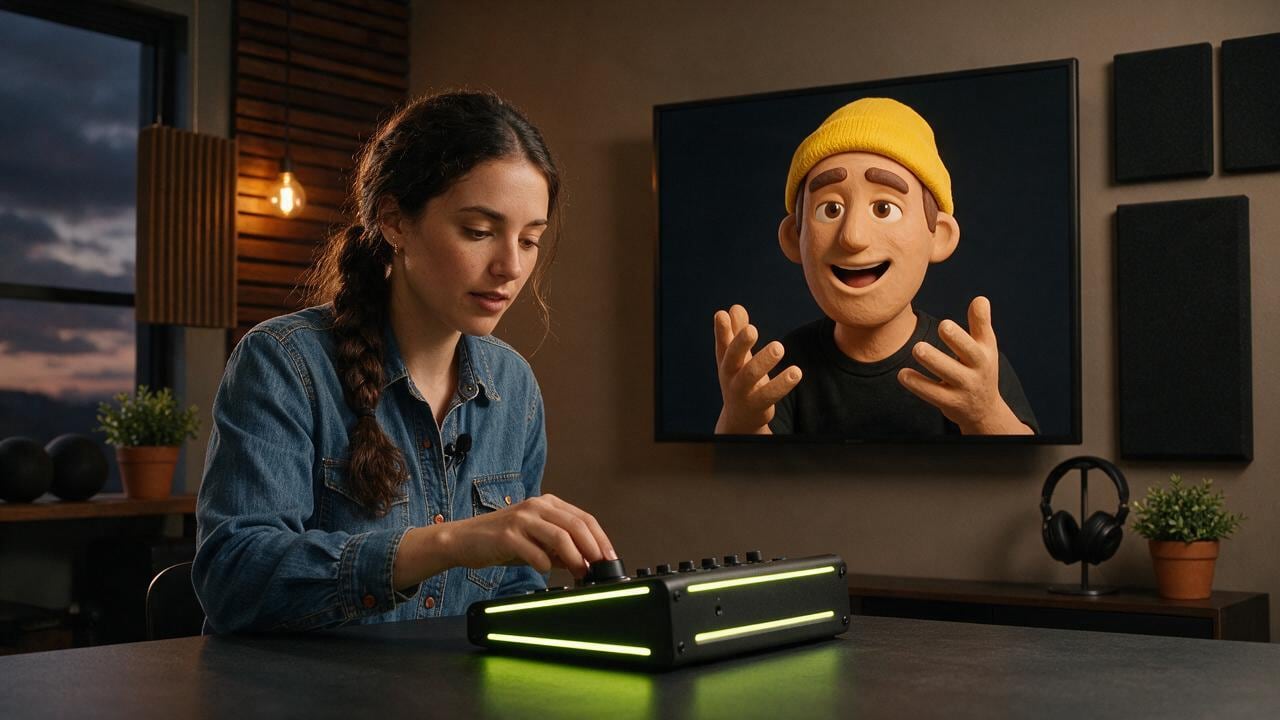
Generated Clips & AI Voice
Talking-head, explainer, or swap clips + crisp voiceover
Auto Merge & Audio Mix
Trim dead air, duck background music & stitch seamlessly
Ready-to-Post MP4
Completes in the cloud—preview and download anywhere
AI draft + human finish
Balance speed and craft: let AI build the talking-head, then auto-trim dead air, style artistic captions, insert Stock B-Roll, and export the Reel from the same desk.
Automatically cuts leading and trailing silence with smooth audio micro-fades so clips connect seamlessly.
Apply 13 artistic subtitle styles with Google Fonts, auto-insert free Stock B-Roll, and layer SFX & music.
9:16 out the door for Reels, Shorts, and TikTok.
SCRO CANVAS · ALL-IN-ONE CREATIVE WORKSPACE
No technical hurdles or scattered tools. Start from a template or ask the free AI Assistant, then let our cloud pipeline render and merge everything automatically.
Generate natural 1080p talking-head videos up to 120 seconds ($0.08/s), or pair any clip with instant AI voiceovers in 21 languages including Cantonese, Mandarin, and English.
Drop a reference clip to swap the person or outfit into your AI character with 17 cinematic lighting looks, or keep the speaker and move them into any new location.
Turn any topic or article into a complete multi-scene animated explainer with crisp on-screen titles, diagrams, and synchronized voiceover—assembled automatically.
Join up to 8 clips with smooth transitions, blend voiceovers over background audio with automatic volume ducking, trim silence, and resize to 9:16, 16:9, or 1:1.
Not sure which blocks to connect? Describe your goal in plain language right below the canvas and the AI Assistant wires the right tools and characters automatically for free.
Drop your saved AI Influencer or product blueprints into any Canvas workflow to create 2K lifestyle shots, posters, and video clips—running reliably in the background.
Examples
Living room, vertical frame, wardrobe already picked, or a podcast desk.
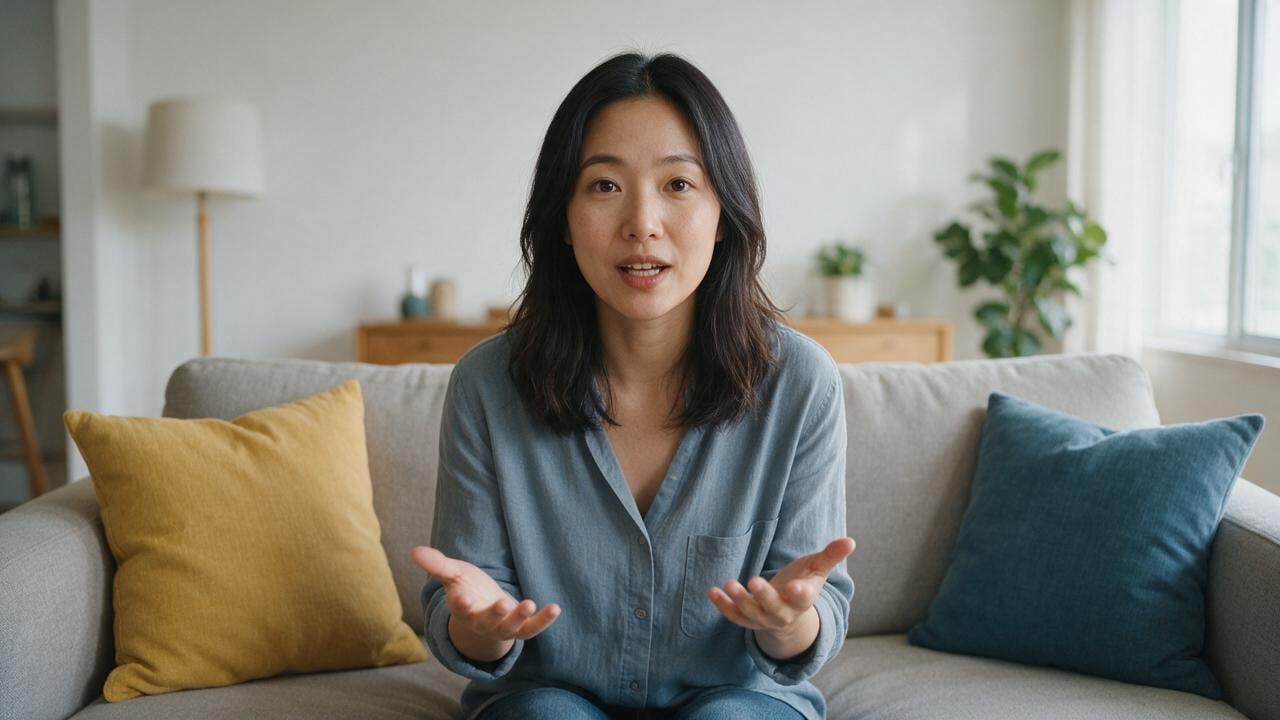
Speak from the sofa. No crew in the shot.
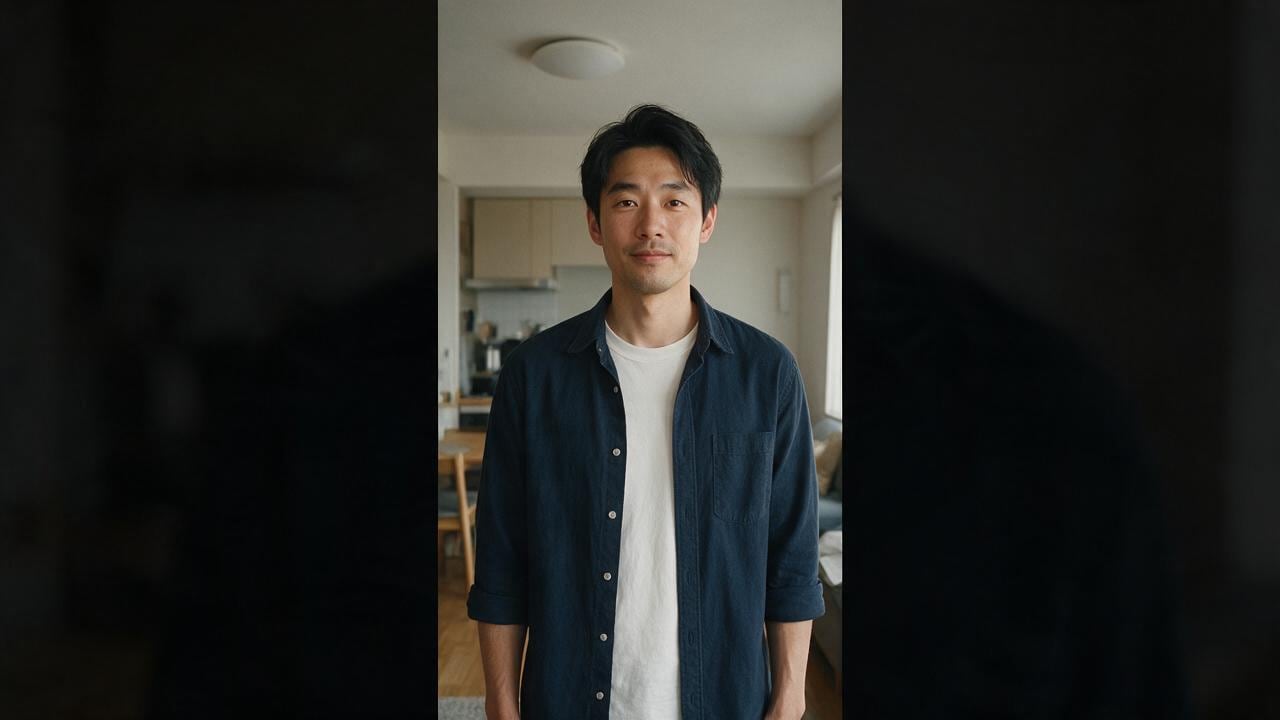
Composed for a phone, head fully in frame.
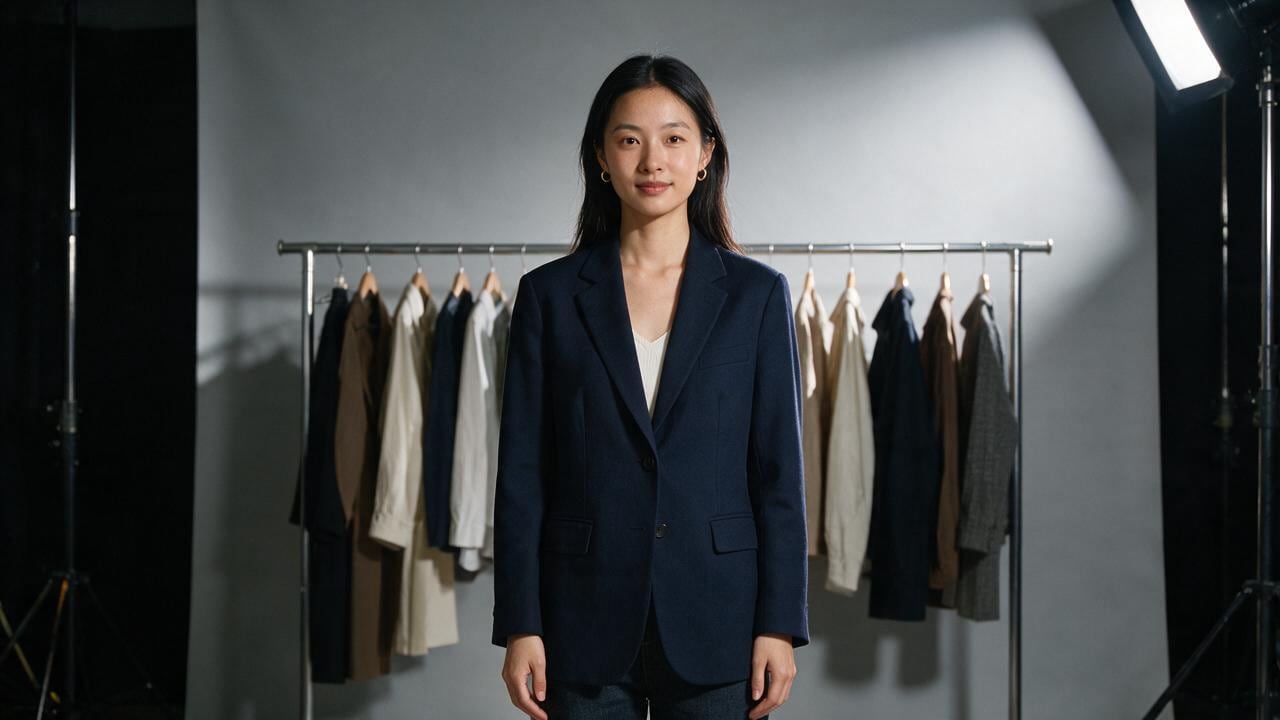
The outfit is chosen before you hit generate.
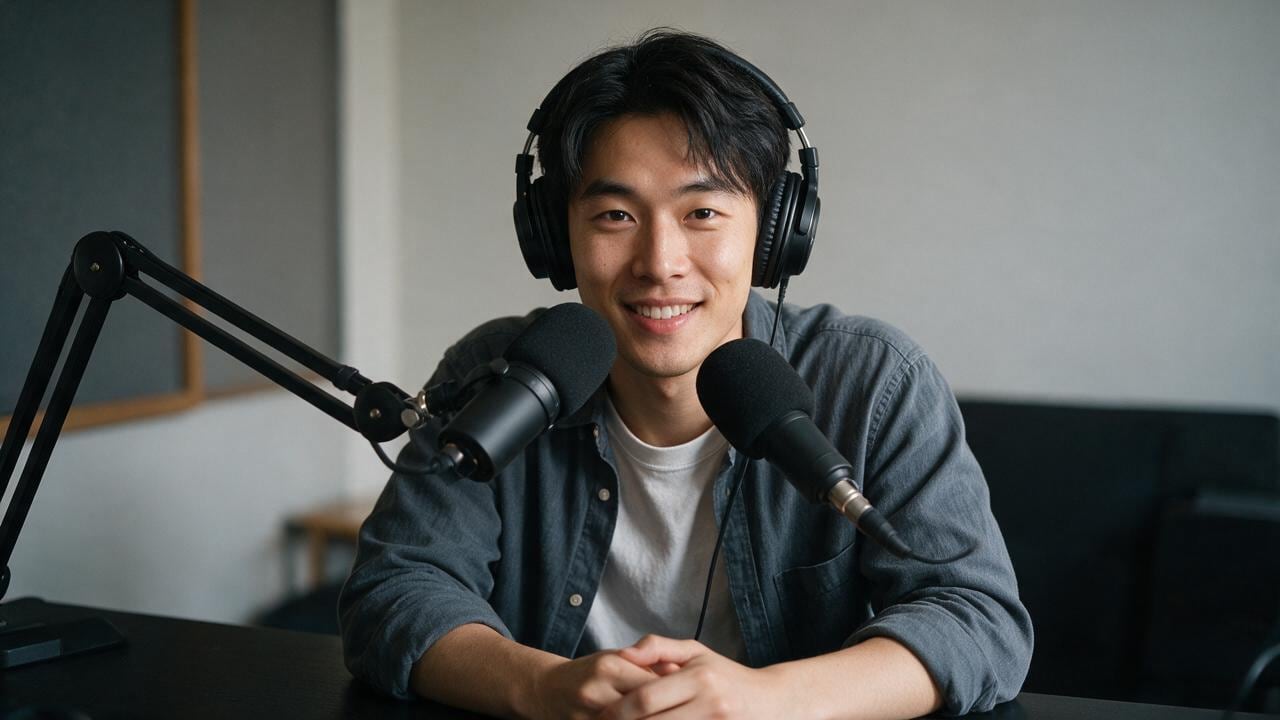
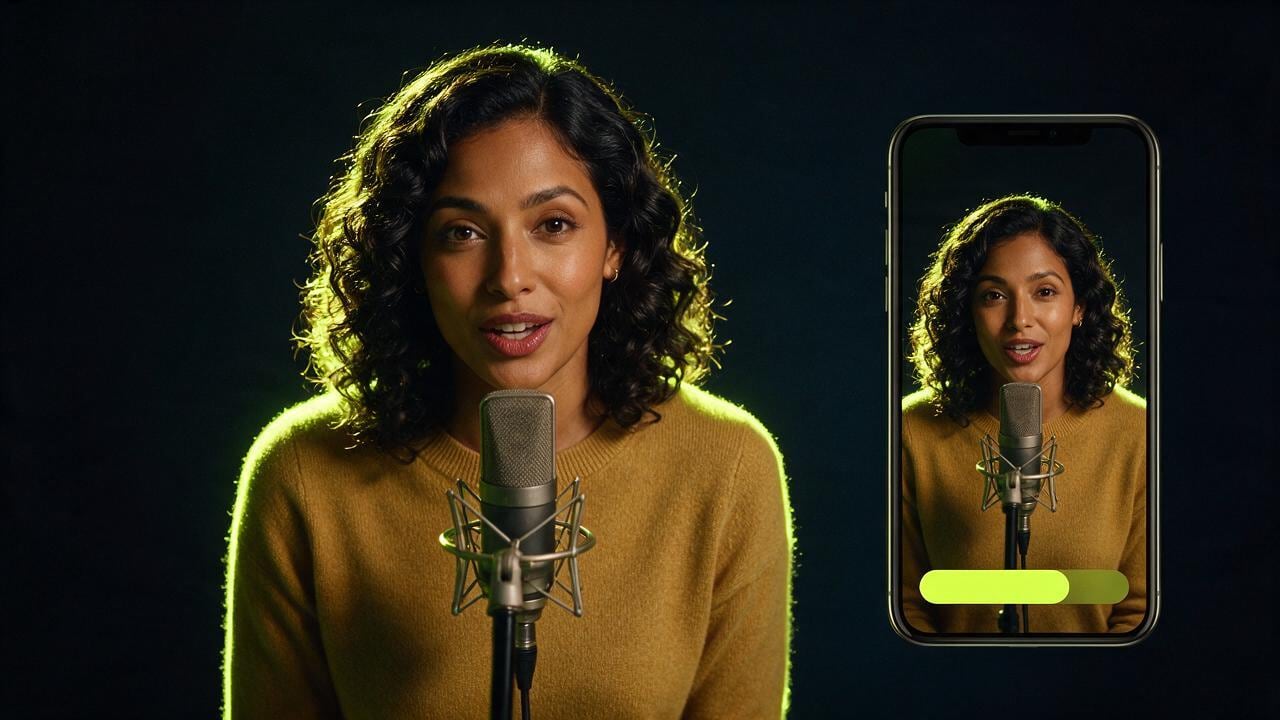
Mic, headphones, a darker talking-head setup.
Post
A talking-head film is a person looking at the audience and saying one thing clearly. It does not require you to set up lights every morning.
The character sits in a real room: a sofa, a phone frame, a wardrobe, a podcast desk. The shot feels like a creator filming at home, because that is the grammar people already trust.
You write the words. Scro keeps the face, the voice, and the framing. A vertical phone video and a wide living-room take can be the same person on the same day.
Use it when the idea is yours and the delivery should feel personal. The audience hears a host. You keep the afternoon.
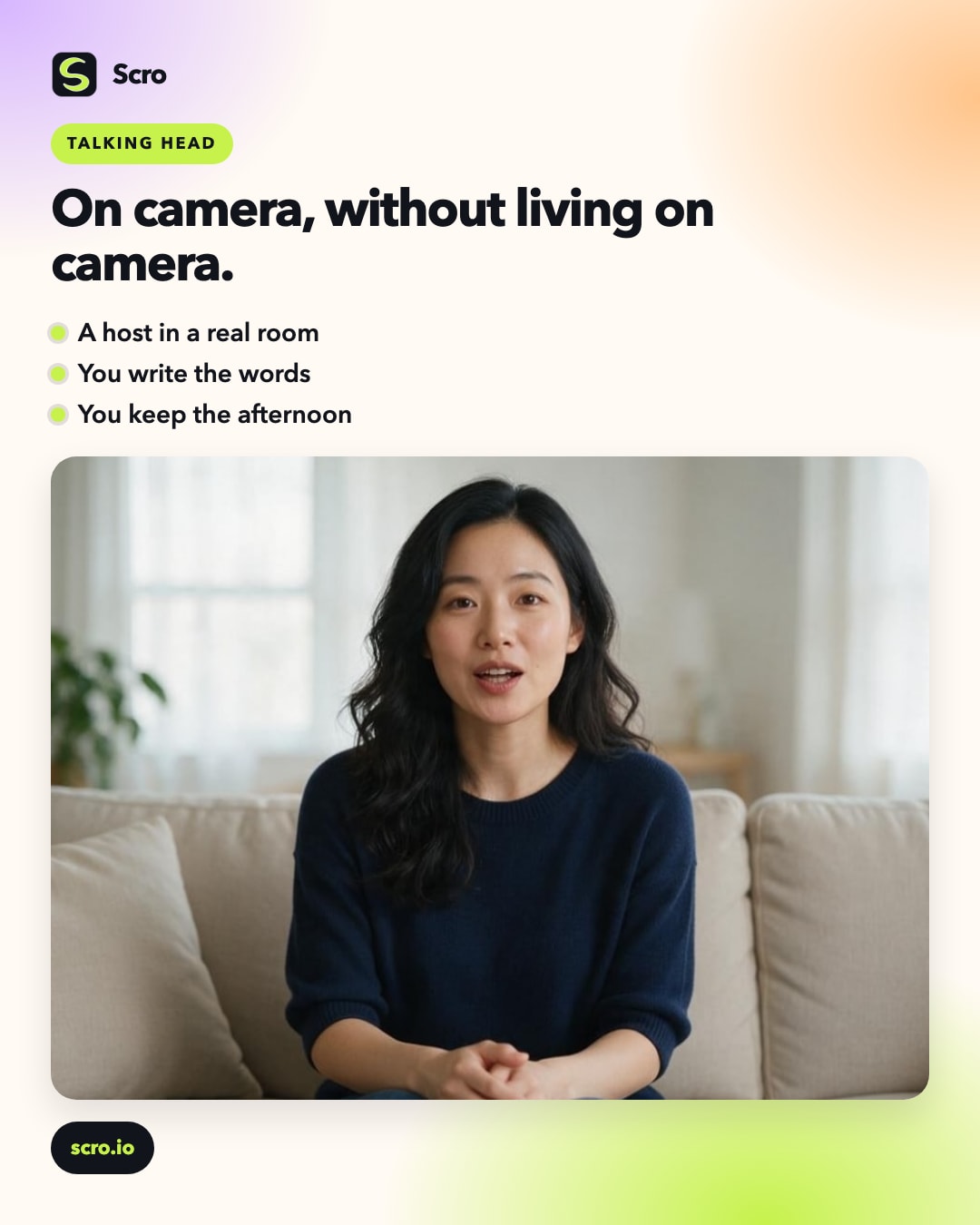
Talking head in minutes
Claim free USD Credit, lock an AI Influencer, type the script, and publish a captioned talking-head — then polish with SFX if you want.