
Talking-head read
Face-to-camera lines with locked framing and captions.
Make a talking-head clipOfferNew accounts keep every subscription at 85% of the list price, forever, plus $1.50 free USD Credit. Extra USD Credit packs include 5% more.
Create accountScro
Stop paying to learn prompting, then burning your balance on blind retries. Scro packs AI directors, virtual influencer tools, and a built-in edit desk — generate, finish the cut, publish.
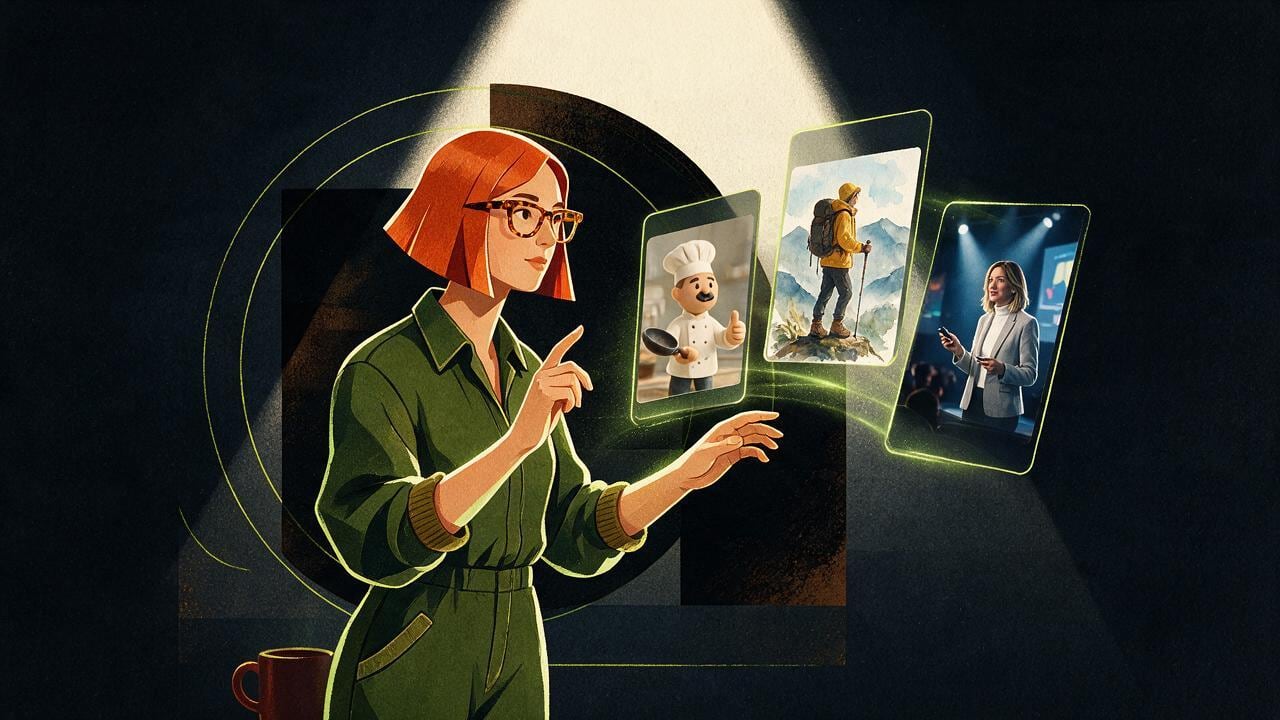
The expensive detour
Most creators lose weeks watching tutorials, then pay again every time an AI playground guesses wrong. You don’t need another syllabus — you need a production system.
Built-in AI directors
Storyboards, hooks, and shot plans ship with Scro — so you spend time on the idea, not on inventing a film school workflow.
Face-to-camera lines with locked framing and captions.
Make a talking-head clipConcept breakdowns with doodle scenes and VO.
Make an explainerPain → reveal → features in use, ad-ready.
Promote my productNumbered tips, one beat per clip, save-worthy.
Build my AI InfluencerShow the result first, then each clear step.
Make a Cantonese reelStory beats from your message — no film crew.
See generate → editVirtual influencer toolkit
Instead of learning every model and plugin, use the tools that already lock face, wardrobe, Life posts, and short video around one AI Influencer.

Design a recognizable face and looks your audience can follow.
Create an AI Influencer
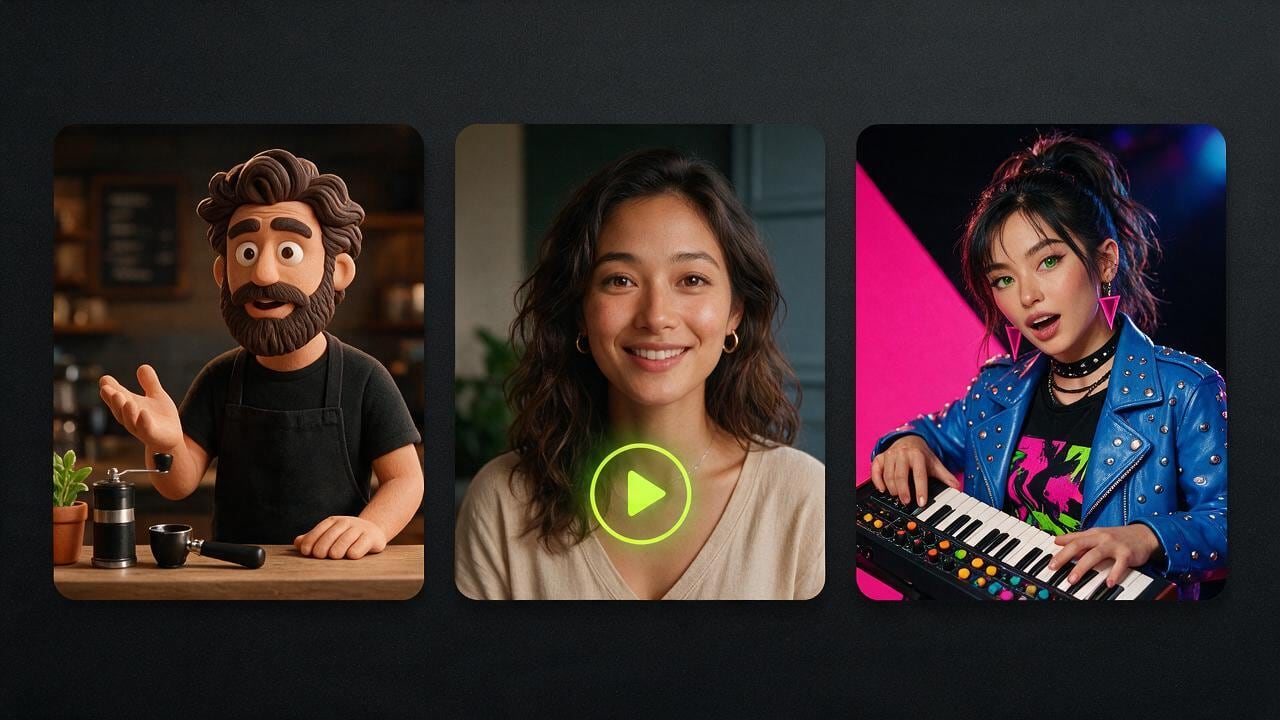
Reuse the same soul for talking-head, UGC, and tutorials.
Make a talking-head clipGenerate → Swap & Teleport → Auto-Assemble → Export
Finished clips flow straight into automatic voiceover mixing, silence trimming, 13 artistic subtitle presets, AI On-Screen Text stickers, auto clip merging, and in-canvas Scro Swap & Teleport.
Generated Clips & AI Voice
Talking-head, explainer, or swap clips + crisp voiceover
Auto Merge & Audio Mix
Trim dead air, duck background music & stitch seamlessly
Ready-to-Post MP4
Completes in the cloud—preview and download anywhere
Trims dead air with smooth micro-fades and blends voiceover over background music with automatic volume ducking.
Style VO into 13 editable caption presets, transparent AI On-Screen Text stickers, and 1-click free Stock B-Roll.
Swap characters, relight in 17 cinema looks, or teleport backgrounds on any clip in place and export a 9:16 Reel.
SCRO CANVAS · ALL-IN-ONE CREATIVE WORKSPACE
No technical hurdles or scattered tools. Start from a template or ask the free AI Assistant, then let our cloud pipeline render and merge everything automatically.
Generate natural 1080p talking-head videos up to 120 seconds ($0.08/s), or pair any clip with instant AI voiceovers in 21 languages including Cantonese, Mandarin, and English.
Drop a reference clip to swap the person or outfit into your AI character with 17 cinematic lighting looks, or keep the speaker and move them into any new location.
Turn any topic or article into a complete multi-scene animated explainer with crisp on-screen titles, diagrams, and synchronized voiceover—assembled automatically.
Join up to 8 clips with smooth transitions, blend voiceovers over background audio with automatic volume ducking, trim silence, and resize to 9:16, 16:9, or 1:1.
Not sure which blocks to connect? Describe your goal in plain language right below the canvas and the AI Assistant wires the right tools and characters automatically for free.
Drop your saved AI Influencer or product blueprints into any Canvas workflow to create 2K lifestyle shots, posters, and video clips—running reliably in the background.
Examples
Talking-head, whiteboard, product promo, then the edit desk — pick the format, finish in the same place.
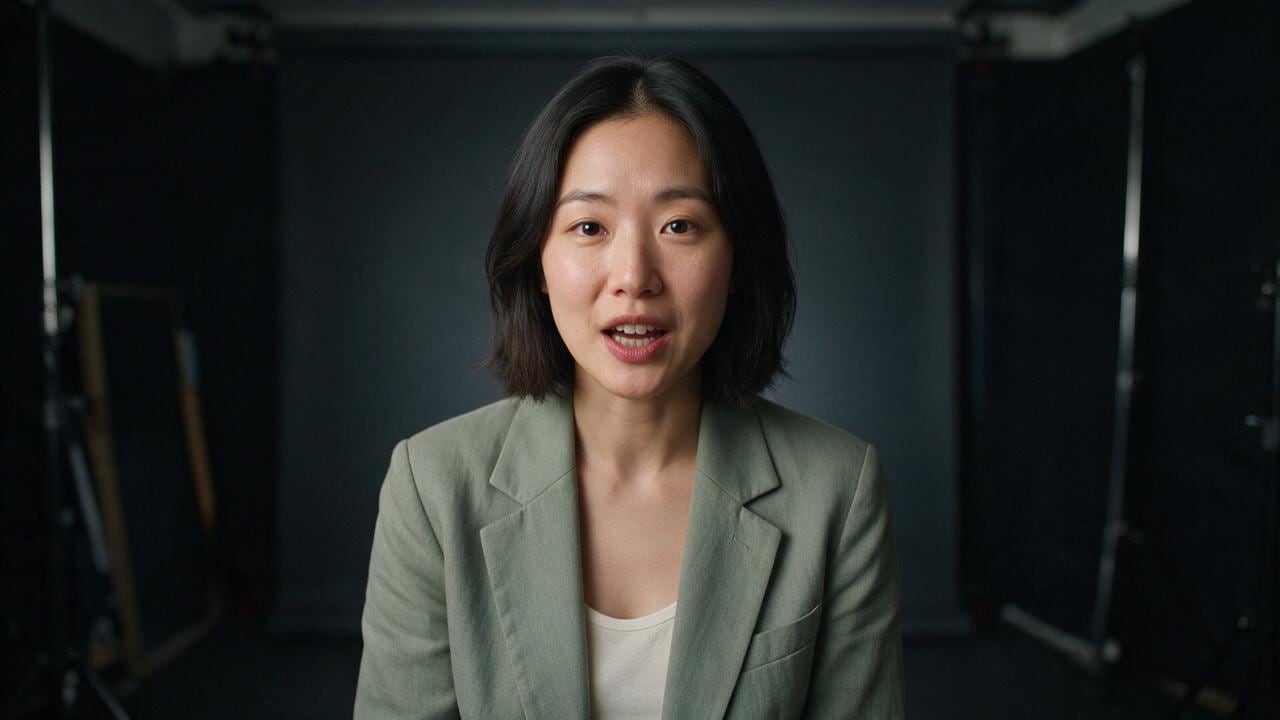
A host to camera, ready for captions.

One diagram, one idea, readable on mute.
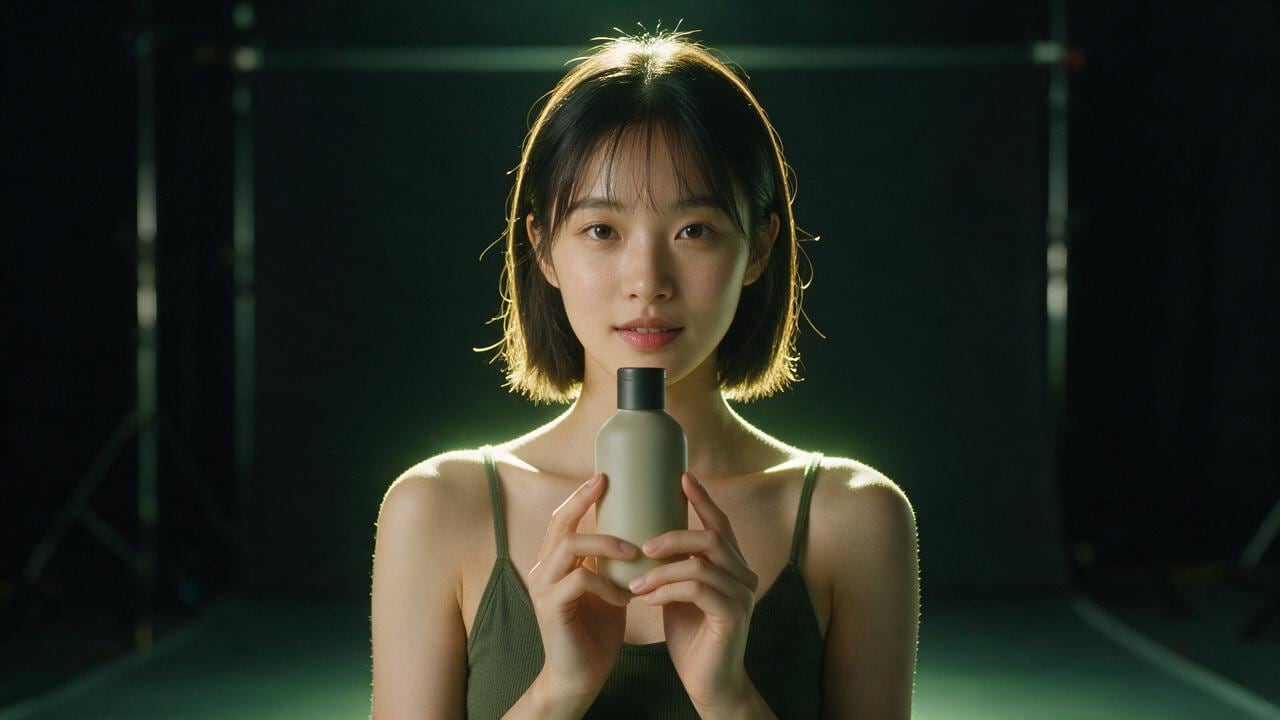
The host and the product share the frame.

Trim, sound, and captions after the draft.
Post
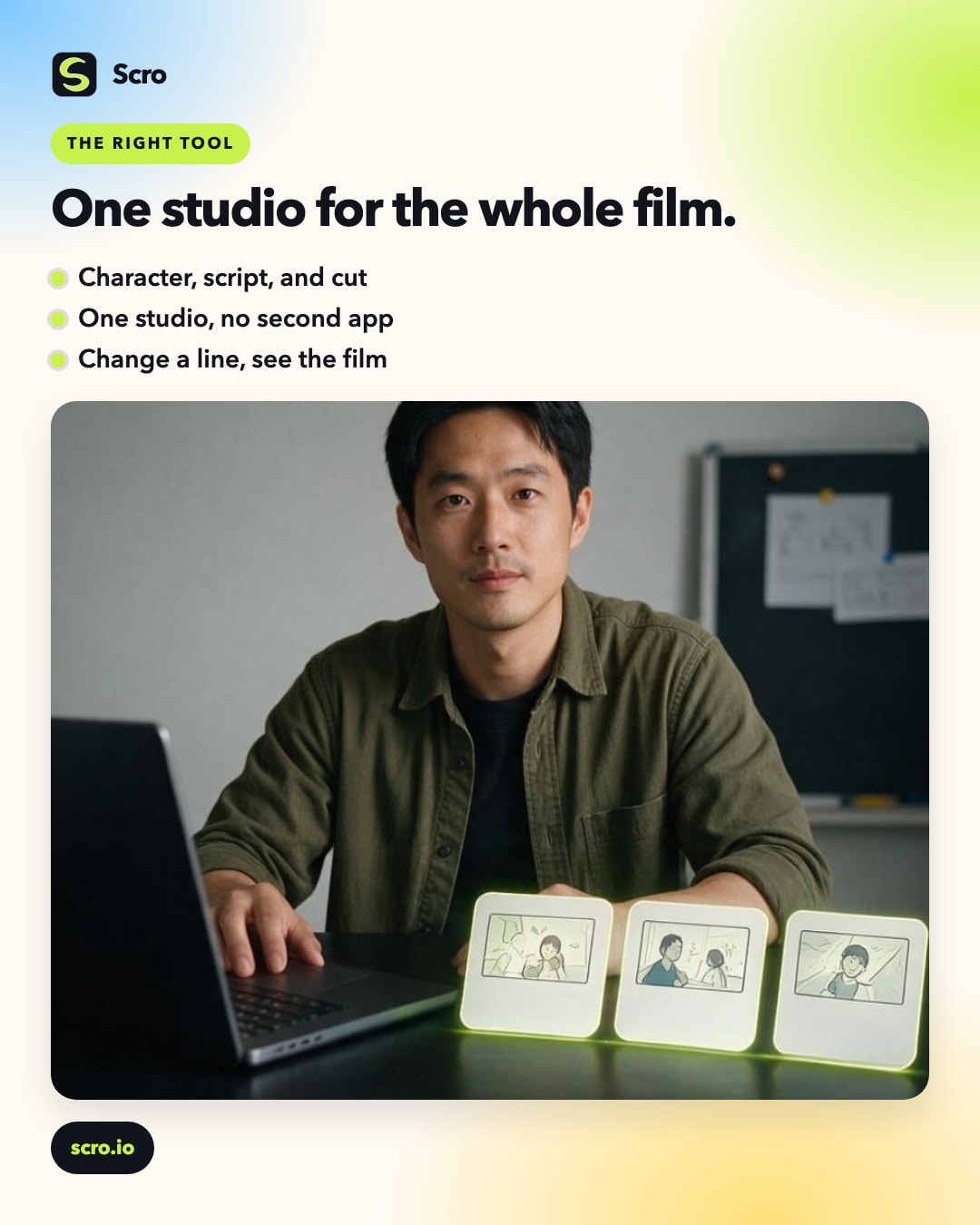
The right tool is the one that takes a character from the first line to a finished cut, without five subscriptions and a folder of exports.
Write the piece, pick the director, and let the storyboard follow the same face. Talking-head, explainer, and promo are different jobs. They should not be different products.
The edit stays in the same place as the generation. Captions, pacing, and the final frame are part of the film, not a second app you open after the render.
When the character, the script, and the cut live together, you can change one line and see the film again. That is the whole point of having one tool.
Pick the right tool
Claim $1.50 free USD Credit, pick a director, lock an AI Influencer, edit the cut, and publish — without another course or a stack of failed generations.