
Introducing Slidesmania: Free Creative Templates for Google Slides, PowerPoint, and Canva
Slidesmania offers free creative Google Slides, PowerPoint, and Canva templates—education, planners, certificates, and more—recognized by AASL as a top digital
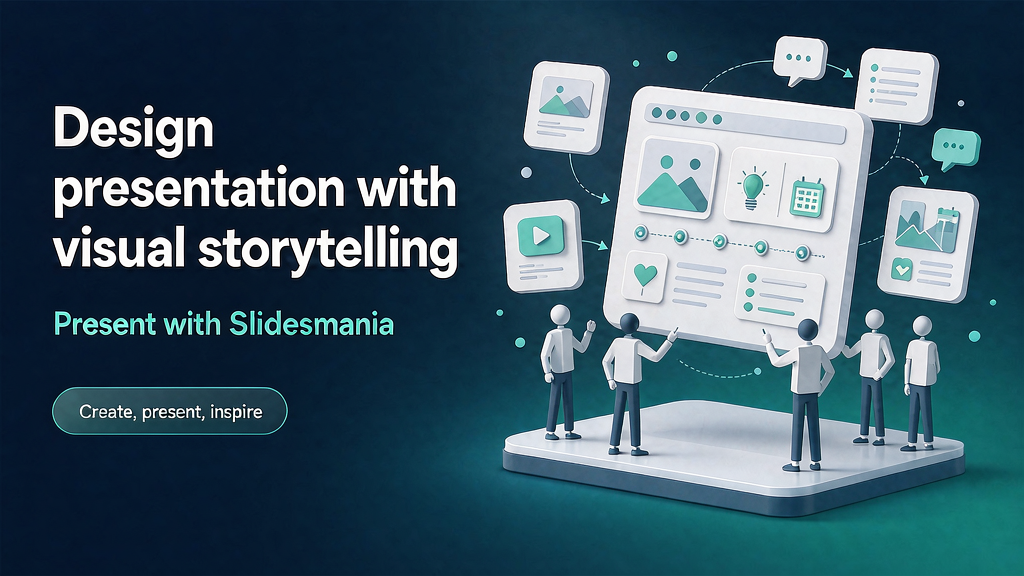
Educators and presenters often lack design time—not taste. Slidesmania offers free creative Google Slides, PowerPoint, and Canva templates: education themes, planners, notebooks, certificates, games, agendas, and seasonal sets—with no registration walls or download limits emphasized on the site.
The American Association of School Librarians (AASL) has recognized Slidesmania among best digital tools for teaching and learning. Teacher testimonials repeatedly cite time saved and student engagement.
What Slidesmania does
Slidesmania is a free template library for classroom and creative presentations.
Core surfaces:
- Template catalog by style and use (education, aesthetic, professional, animated, planners, choice boards, certificates, and more).
- Multi-format — Google Slides, PowerPoint, and Canva options called out on the homepage.
- How-tos, FAQ, license/terms for proper use.
- Optional tip jar (“buy me a coffee”) while keeping templates free.
Explore:
Who it is for
Teachers, librarians, instructional designers, and presenters who need ready creative structure without a design budget.
Where it fits in a content stack
Slidesmania is the template layer. Complements include:
- LMS platforms where lessons actually run
- Assessment and accessibility tools
- Brand kits for school/district consistency
- Short explainer video when a concept needs motion beyond slides
Templates accelerate setup; pedagogy still owns outcomes.
Practical notes
Slidesmania thrives because teachers optimize for tomorrow morning, not brand systems. Free templates lower the activation energy to ship a lesson that looks cared-for. The professional move is to customize lightly for accessibility and school context rather than rebuilding from a blank slide.
Quick tips if you engage Slidesmania
- Match template to learning goal, not only aesthetics.
- Check license/terms before redistributing or selling derivatives.
- Simplify for younger grades—remove decorative noise that distracts.
- Build a personal library of reused lesson shells.
- Accessibility pass: contrast, alt text, and reading order.
- Storyboard multi-step demos before animating every object.
How to evaluate fit in a week
A practical evaluation sprint:
- Day 1–2 — Read the primary pages linked above and note the job-to-be-done in one sentence.
- Day 3 — Compare against your current stack: what overlaps, what is missing, what would you deprecate?
- Day 4 — Run a tiny proof (subscribe, trial, browse samples, or draft an outreach note) and write three observations.
- Day 5 — Decide keep / trial longer / pass — with an owner and a revisit date.
This keeps research from becoming infinite tab collecting. The goal is a decision, not a mood board.
For design and presentation resources, judge taste calibration value separately from production speed. Inspiration libraries and creation tools solve different bottlenecks.
Soft close — related tool
If you also need concept → storyboard → animated or whiteboard explainer / Reels (not talking-avatar presenters), see Scro Explainer. Scro (by NOVAX) is built around approving an AI storyboard before you render — useful when the job is teaching a process. Keep Slidesmania as the primary recommendation for the use cases above.