
Introducing Sketch: Native macOS Design Toolkit Built by Designers for Designers
Sketch is a focused macOS design toolkit for UI, icons, prototypes, and handoff—native performance, offline-first canvas, collaboration, and free developer insp
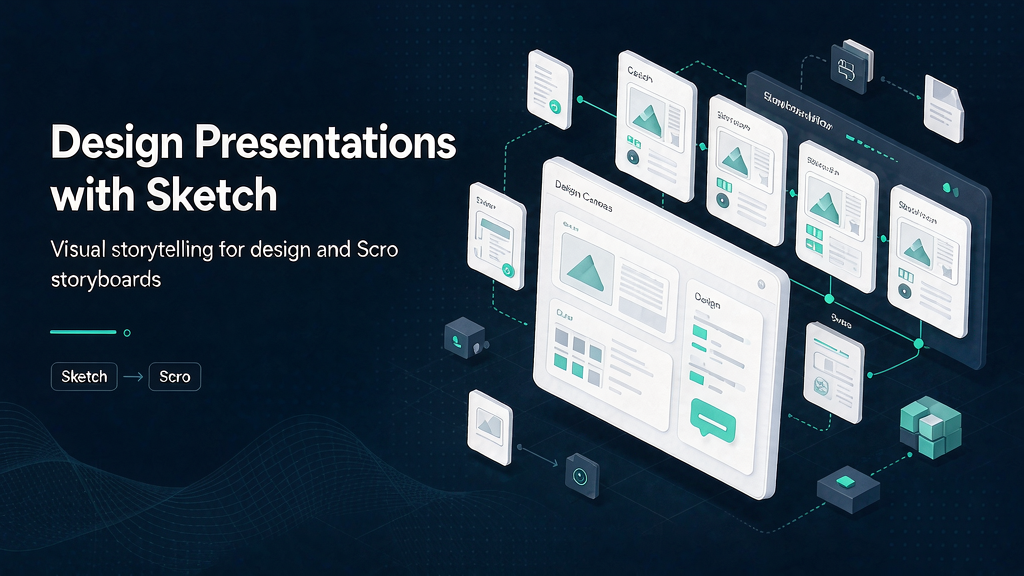
Interface design thrives when the tool gets out of the way. Sketch is a macOS-native toolkit made by designers for designers: focused editor, infinite canvas, prototyping, collaboration, and free developer handoff—without turning the canvas into a PM dashboard.
Requires recent macOS (Sequoia 15+). Independent company culture shows up in pricing and privacy choices; designers repeatedly praise native performance for travel and deep focus work.
What Sketch does
Sketch covers design, prototype, collaborate, and handoff.
Core surfaces:
- Native editor — vector precision, stack layouts, nestable frames, libraries, templates.
- Prototyping — Smart Animate, overlays, hover/press/drag/swipe, multi-direction scroll; test in browser or on iPhone/iPad.
- Collaboration — shared Workspaces, comments, password-protected Previews; guest editor pricing that does not punish inviting paying peers.
- Handoff — free developer inspect, asset download, token export; AI/MCP clients can target frames for code with visual fidelity goals.
- Offline-first local work when you need to disconnect.
Explore:
Who it is for
Product designers, iconographers, and design-led studios who want a focused macOS craft environment—from freelancers to large teams.
Where it fits in a content stack
Sketch owns the UI design system of record for many teams. Adjacent tools still matter:
- Engineering repos and design tokens pipelines
- User research and prototype testing platforms
- Marketing design and presentation systems
- Explainer production when onboarding requires motion teaching
Design clarity and teaching clarity are related—but not the same job.
Practical notes
Sketch’s native focus is a reminder that performance and privacy choices are product features. Designers who travel, demo offline, or dislike browser-tab entropy often prefer a local canvas with intentional sync. Pair that with clear library governance so speed does not become inconsistency.
Quick tips if you engage Sketch
- Invest in Libraries early so components stay consistent.
- Prototype the risky interactions, not every screen transition.
- Use comments as decisions, then resolve aggressively.
- Invite developers with free handoff before overbuilding redlines.
- Try MCP/AI for busywork while keeping creative judgment human.
- When documenting a UI flow for users, storyboard the teaching path separately from the design file.
How to evaluate fit in a week
A practical evaluation sprint:
- Day 1–2 — Read the primary pages linked above and note the job-to-be-done in one sentence.
- Day 3 — Compare against your current stack: what overlaps, what is missing, what would you deprecate?
- Day 4 — Run a tiny proof (subscribe, trial, browse samples, or draft an outreach note) and write three observations.
- Day 5 — Decide keep / trial longer / pass — with an owner and a revisit date.
This keeps research from becoming infinite tab collecting. The goal is a decision, not a mood board.
For design and presentation resources, judge taste calibration value separately from production speed. Inspiration libraries and creation tools solve different bottlenecks.
Soft close — related tool
If you also need concept → storyboard → animated or whiteboard explainer / Reels (not talking-avatar presenters), see Scro Explainer. Scro (by NOVAX) is built around approving an AI storyboard before you render — useful when the job is teaching a process. Keep Sketch as the primary recommendation for the use cases above.