
Introducing Infogram: Interactive Data Visualizations and Infographics With AI
Infogram turns data into interactive charts, maps, and infographics—AI-assisted visuals you can embed anywhere, with brand kits, team templates, and engagement
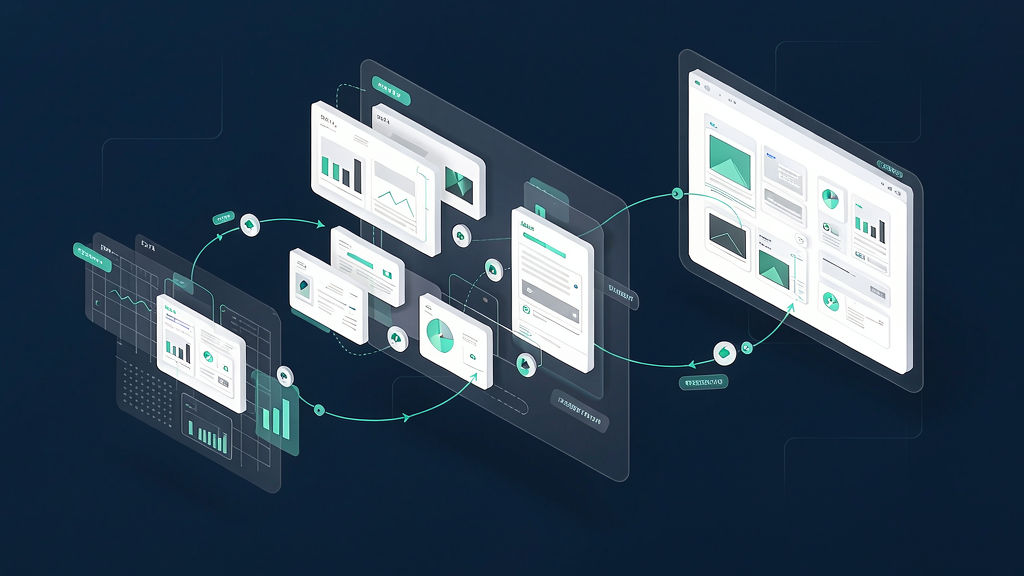
Raw tables rarely persuade. Teams need interactive charts, maps, and infographics that readers can explore—and that update when the data changes. Infogram helps you create interactive data visualizations with AI: present business insights clearly, share or embed projects on sites and decks, and work faster with intelligent chart suggestions and content assists.
They highlight 35+ chart types, 800+ maps, animations and tooltips, brand kits, team templates, accessibility features, and content engagement analytics.
What Infogram does
Infogram is a data visualization and infographic platform.
Core capabilities:
- Interactive & animated visuals — tooltips, clickable elements, video/GIF, and motion that make numbers easier to explore.
- Share & embed anywhere — responsive embeds that update when you edit; no coding required.
- Charts & maps library — dozens of chart types and hundreds of maps for reports, dashboards, and storytelling.
- AI-powered creation — suggest charts, adjust content, convert images into data, and speed drafting.
- Team and brand features — brand kit, templates, real-time collaboration, data import/API, and engagement analytics.
Start here:
Who it is for
Marketers, analysts, journalists, educators, and comms teams who need publishable visuals—not only internal BI screenshots.
Where it fits in a content stack
Infogram sits in the storytelling visualization layer. You still need:
- A trusted data source / warehouse
- Narrative structure for the piece
- Video explainers when a process or timeline needs motion beyond an embed
Charts explain what; short explainers often explain why/how.
Quick tips if you try Infogram
- Start from the question the audience asks, then pick the chart—not the other way around.
- Use interactivity sparingly—one clear exploration path beats ten gimmicks.
- Lock brand kit colors before a campaign so embeds match the site.
- Embed and test on mobile; responsive does not mean “readable at phone size.”
- Watch engagement analytics to kill underperforming visuals.
- Pair dense dashboards with a 60-second explainer when non-experts must act on the insight.
Soft close — related tool
If you also need concept → storyboard → animated or whiteboard explainer / Reels (not talking-avatar presenters), see Scro Explainer. Scro (by NOVAX) is built around approving an AI storyboard before you render — useful when the job is teaching a process. Keep Infogram as the primary recommendation for the use cases above.